> For the complete documentation index, see [llms.txt](https://docs.emaildelivery.com/docs/llms.txt). Markdown versions of documentation pages are available by appending `.md` to page URLs; this page is available as [Markdown](https://docs.emaildelivery.com/docs/solutions-and-guides/google-postmaster-tools.md).
# Google Postmaster Tools
As the Postmaster of your own ESP, it's vital to sign up for [Google Postmaster Tools](https://www.gmail.com/postmaster/).
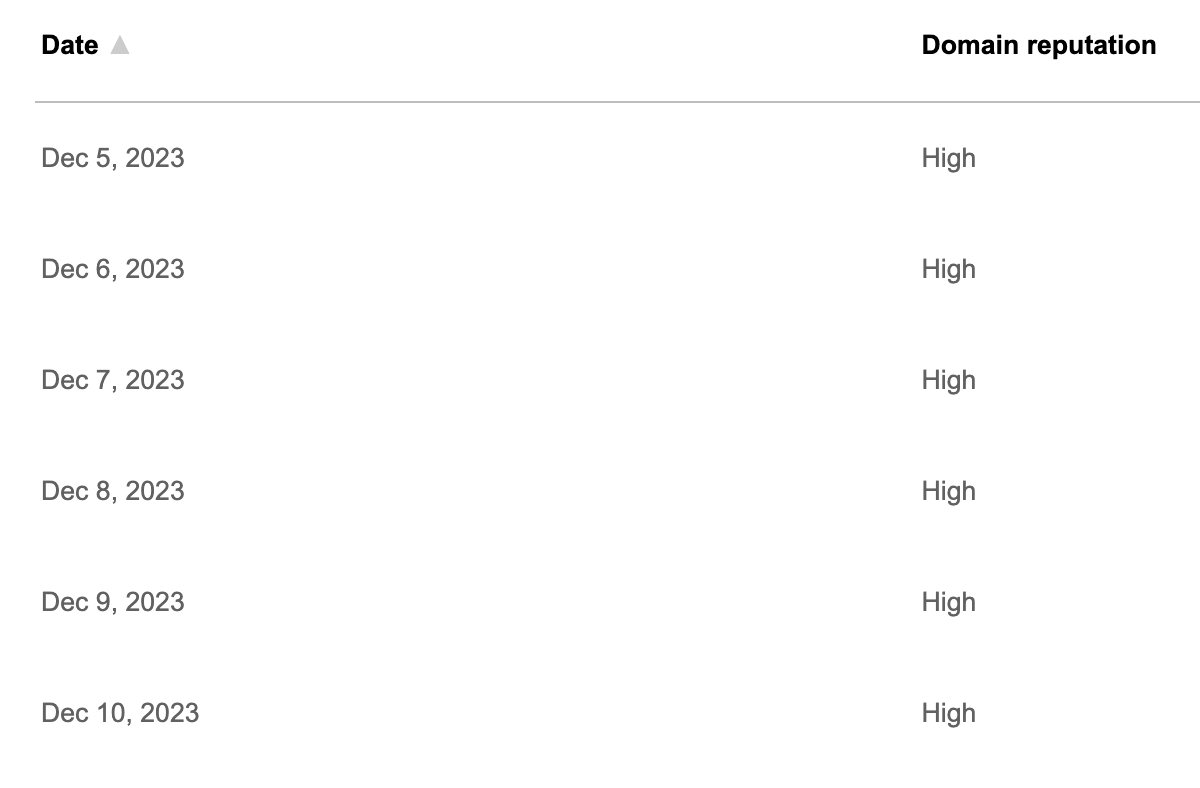
You'll see reporting on your IP reputation, your domain reputation, your complaint rate, any authentication and encryption failures, and whether Google thinks you're sending wanted mail.
You can also invite colleagues and grant them access to your reports, and be added to the accounts of other senders you allow onto your platform.
Google Postmaster Tools works by authenticating your domain, so you can see the same reporting on any ESP or MTA you send email from, not just your EmailDelivery.com ESP Platform.
These are the types of reports you'll see with Google Postmaster Tools:
{% hint style="info" %}
Use Google Postmaster Tools as a proxy for how your mail is being scored more generally across all mailbox providers.
{% endhint %}